Beginner's Guide to Effective Digital Gate Pass Management in Housing Societies
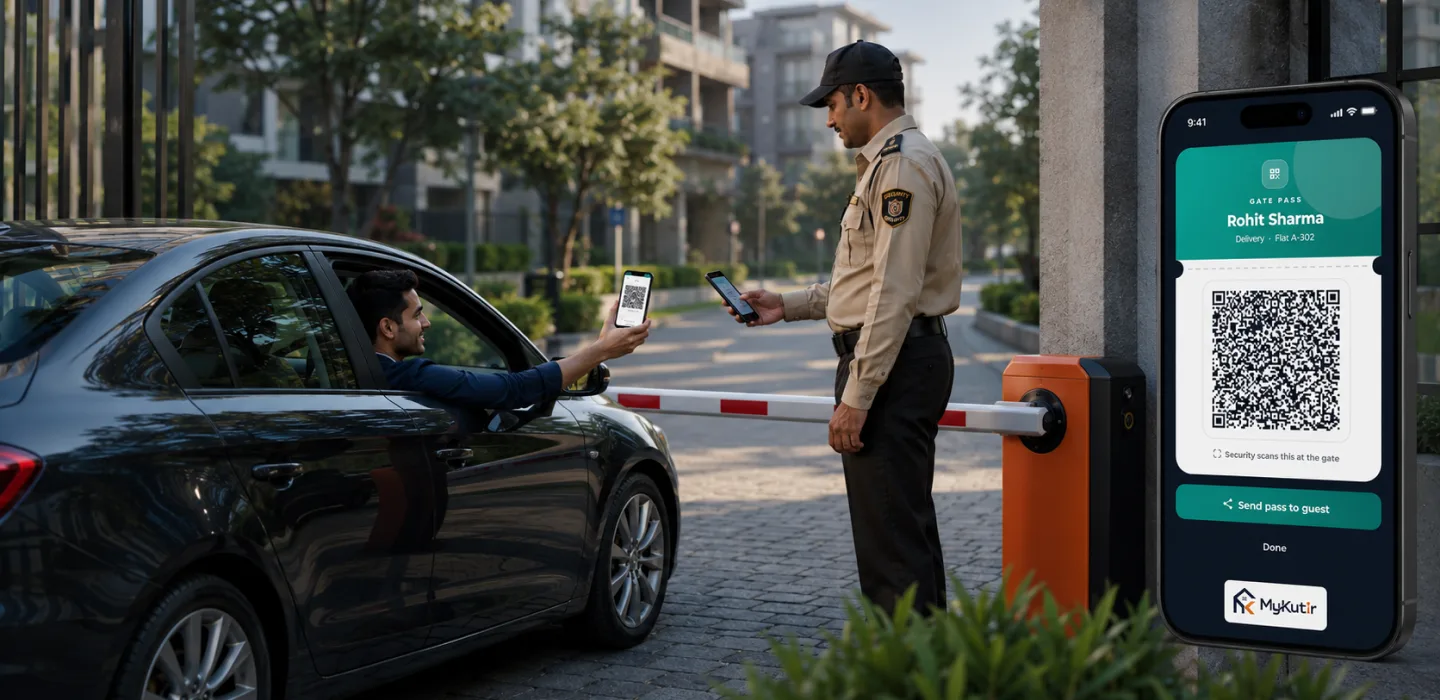
By Sandip Gupta — 2026-09-08
Launching digital gate passes is the easy part.
In short: launching digital gate passes is the easy part. Managing them well over months is what keeps a gate secure. This guide covers the key features, how to implement them, the benefits, the mistakes that creep in over time and how to keep passes under control.
What are the key features to manage?
- Pass types: one-time, multi-day and repeating.
- Entry limits: how many times a pass can be used.
- Time windows: when a pass is valid.
- Group size: one pass for a family.
- Cancellation: residents can revoke passes, including used ones.
- Use log: every entry on a pass is recorded.
How do you implement it?
- Set the default pass type to one-time.
- Decide the longest a pass may last.
- Decide which regular visitors get repeating passes.
- Train guards and residents.
- Go live and run a monthly review.
In myKutir, one-time passes last up to 7 days and multi-day or repeating passes up to 90 days. See myKutir's visitor management system.
What are the benefits of managing passes well?
- Passes can't quietly turn into permanent free entry.
- The visitor log stays meaningful.
- Residents trust that only invited guests get in.
Mistakes that creep in over time
- Long passes for convenience: a "visitor" pass that lasts months is really a staff record. Register regular staff as domestic workers instead.
- Old passes never cancelled: remind residents to cancel passes they no longer need.
- Guards accepting expired passes: the system refuses them, so guards should ask the resident to approve instead.
- Typing names to bypass limits: in myKutir, the same limits apply whether a pass is scanned, typed or found by name.
Manual or digital gate pass management?
| Area | Manual | Digital |
|---|---|---|
| Expiry | None | Built in |
| Entry limits | None | Enforced at every gate |
| Revoking access | Tell every guard | Cancel the pass |
| Review | Impossible | Monthly log review |
Case study: tidying up passes
An illustrative example. Six months after launch, a 220-flat society reviewed its passes and found many long multi-day passes used by regular cooks and drivers. The committee moved those workers to the domestic worker register, with verification details and face recognition at the gate. Visitor passes went back to being for visitors, and the log became much easier to read.
A monthly review checklist
- How many active long passes are there, and are they still needed?
- Are regular workers on passes instead of the worker register?
- Are guards using passes on every shift?
- Any unusual patterns in the visitor log?
Frequently asked questions
Why not give regular helpers a long pass?
The domestic worker register is better: it records verification, links the worker to every flat they serve and notifies those flats on each entry.
Can two gates both admit the last entry on a pass?
No. Each entry is claimed, so only one gate can use it.
New to passes? Start with our committee's guide to gate passes.
Key takeaways
- Default to one-time passes and cap long ones.
- Move regular workers to the domestic worker register.
- Cancel passes that are no longer needed.
- Review passes and the log monthly.