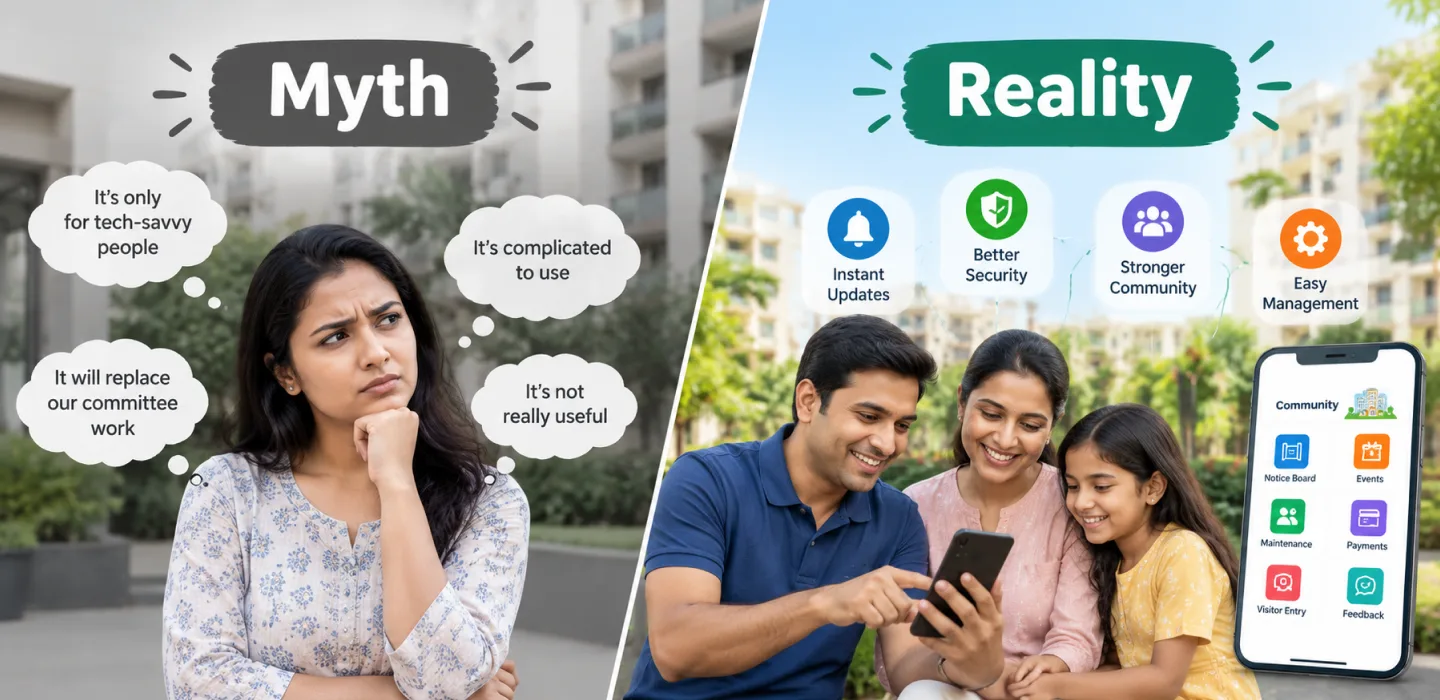
Myth vs Reality: Community Apps in Residential Communities
By Sandip Gupta — 2026-09-08
Larger residential communities have their own doubts about community apps: that they can't handle many gates and towers, that residents won't adopt them, that they replace human contact and that…
In short: larger residential communities have their own doubts about community apps: that they can't handle many gates and towers, that residents won't adopt them, that they replace human contact and that switching is too disruptive. This article examines each myth, the real benefits, an example, myKutir's approach and how to overcome implementation challenges.
Common myths about community apps
Myth 1: "Apps can't handle a community our size"
Reality: platforms built for societies handle many towers, gates and thousands of residents, with one shared visitor log and notices targeted by tower or block.
Myth 2: "Residents won't adopt it"
Reality: residents adopt apps that solve daily problems. Visitor approvals and online payments give them a reason to use it from day one.
Myth 3: "An app replaces human contact"
Reality: it replaces routine admin, not people. Committees and staff spend more time on residents' real problems, and forums and events bring people together.
Myth 4: "Switching is too disruptive"
Reality: a staged rollout, billing first, then the gate, then the rest, keeps disruption small.
The reality: benefits of community apps
- Faster services for residents.
- Clearer operations for staff.
- Complete records for the committee.
- More participation through polls and events.
Case study: a community's transformation
An illustrative example. A 1,000-home township with four gates doubted any app could cope. It rolled out by stages: billing in month one, all four gates in month two, helpdesk and notices in month three. By the end, one visitor log covered every gate, notices were targeted by phase and residents used polls to choose new amenity timings.
What is myKutir's approach?
One platform with connected modules, configurable rules for each community, apps for residents, guards, committee members and staff, AI help with notices, complaints and questions, and a team that helps with setup and data migration. See the myKutir mobile app and society management ERP.
Traditional methods or community apps?
| Area | Traditional | Community app |
|---|---|---|
| Scale | Breaks down | Built for many towers and gates |
| Consistency | Varies by gate | One set of rules |
| Participation | Few attend meetings | Polls reach everyone |
Overcoming common implementation challenges
- Data: clean the resident list before importing.
- Guards: train every gate and shift together.
- Older residents: help sessions and SMS fallbacks.
- Habits: set a date to stop paper processes.
Step by step: implementing a community app
- Clean and import data.
- Launch billing.
- Move all gates onto the app.
- Open the helpdesk and notices.
- Add amenities, polls and events.
Frequently asked questions
How long does a large rollout take?
Setup can be quick. A staged rollout across a large community usually takes two to three months.
For smaller societies, see community app myths in housing societies.
Key takeaways
- Good apps handle large communities with many gates.
- Residents adopt apps that solve daily problems.
- Apps replace admin, not people.
- Stage the rollout to keep disruption low.