The Modern Society ERP: A Comprehensive Guide for Indian Housing Societies
By Manish Banda — 2026-08-10
This is a guide to the modern society ERP for Indian housing societies, using myKutir as the example.
In short: this is a guide to the modern society ERP for Indian housing societies, using myKutir as the example. It covers the core features, how the ERP improves management, a day in a society manager's life, common mistakes, a comparison, a step-by-step implementation and how AI fits in.
What are the core features of myKutir's society ERP?
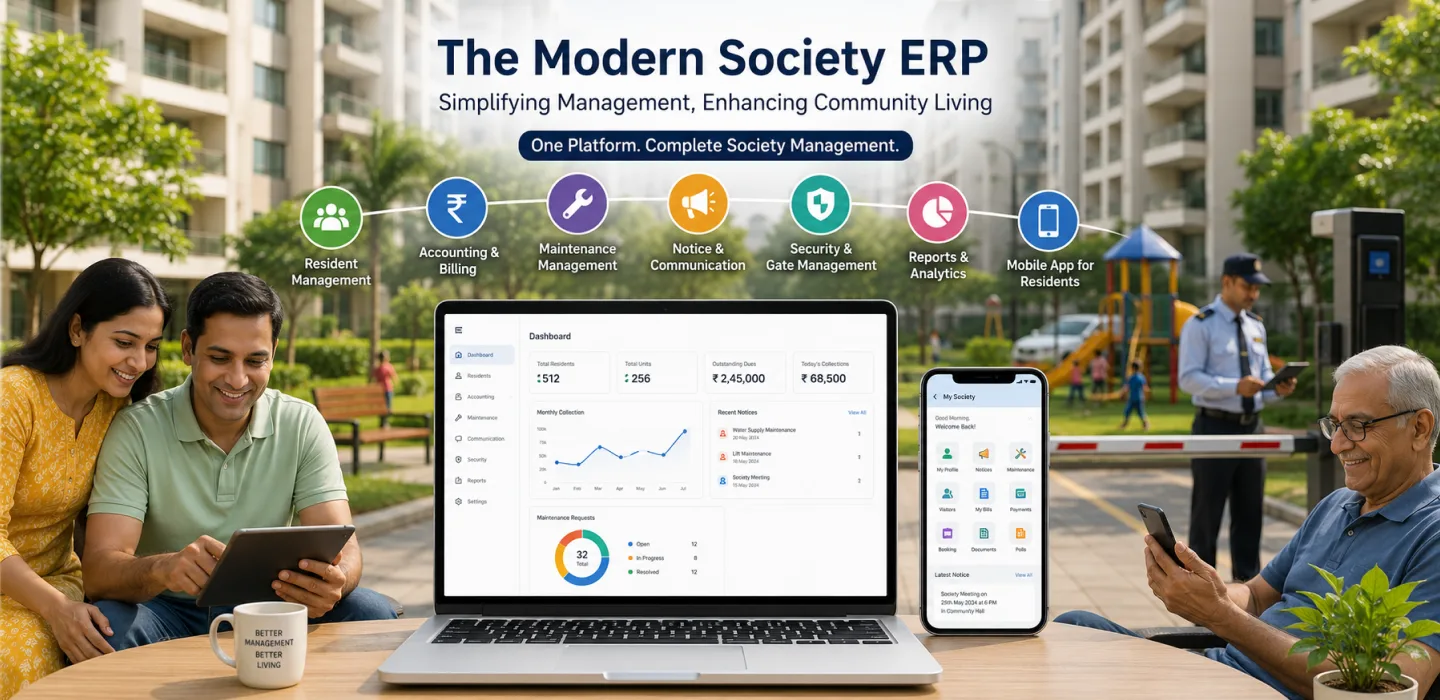
| Area | Features |
|---|---|
| Money | Billing, online payments, receipts, reminders, fund ledger, bank reconciliation, statements, Tally export |
| Spending | Vendors, quotations, purchase orders, expense approvals, GST and TDS tracking |
| Gate | Visitor approvals, passes, parcels, domestic workers, vehicles |
| Security | Guard rosters, patrols, handovers, incidents, SOS |
| Helpdesk | Complaints with owners, deadlines, escalation and work orders |
| Facilities | Amenity booking, assets, preventive maintenance, compliance register |
| Community | Notices, polls, forum, chat |
| Governance | Meetings, e-voting, minutes, committee handover |
How does the ERP improve society management?
- One record for every flat, resident, payment and complaint.
- Routine work automated.
- Committee decisions recorded and tracked.
- Residents served from their phones.
- Audits and handovers made easy.
See myKutir's society management ERP.
A day in the life of a society manager
An illustrative example. Neha manages a 450-flat society. In the morning, she checks the dashboard: collections, open complaints and last night's incidents. She approves a purchase order for lift spares after comparing three quotes. A preventive maintenance work order for the fire pumps is due this week, so she confirms the vendor visit. In the afternoon, she drafts a notice with AI about the pump test and schedules it. Before leaving, she reviews which residents haven't acknowledged the AGM notice.
Common mistakes in ERP implementation
- Using only billing and ignoring the rest.
- Keeping vendor quotes and approvals on WhatsApp.
- Skipping preventive maintenance schedules.
- Not training guards.
Digital ERP or manual management?
| Area | Manual | ERP |
|---|---|---|
| Purchasing | Quotes in chat | Quotations and purchase orders |
| Maintenance | After breakdowns | Scheduled servicing |
| Compliance | Renewals missed | Reminders |
| Overview | Scattered | One dashboard |
Step-by-step guide to implementing myKutir's ERP
- Set goals and clean data with the myKutir team.
- Launch billing and payments.
- Move the gate and security onto the platform.
- Open the helpdesk and notices.
- Add vendors, purchasing and assets.
- Add amenities and meetings, then AI features.
Using AI in society management
AI in myKutir drafts notices, clarifies complaints, answers residents' questions from published notices, explains the accounts and forecasts budgets, and recognises regular staff at the gate. It works best on top of the clean, connected records an ERP provides. See myKutir's AI platform.
Frequently asked questions
Do we have to use every module?
No. Start with what you need and add more over time.
Can vendors be paid with TDS deducted?
Vendor records hold PAN and payee category, so TDS can be tracked on payments.
See also common ERP mistakes.
Key takeaways
- A modern ERP covers money, spending, gate, security, helpdesk, facilities, community and governance.
- Use purchasing and maintenance modules, not just billing.
- Roll out in stages.
- AI works best on clean, connected records.