Beginner's Guide to Automation in Housing Societies
By Amit Khetariya — 2026-09-08
Automation means letting your society's software do routine jobs for you, such as sending bills, reminders and receipts, without anyone pressing a button each time.
In short: automation means letting your society's software do routine jobs for you, such as sending bills, reminders and receipts, without anyone pressing a button each time. This beginner's guide explains the idea, the areas that benefit most, how myKutir does it, an example and how to start.
What is automation in a housing society?
Think of it as rules that run themselves. The committee decides the rule once, for example "remind residents three days before the due date". From then on, the system follows it every month. No one forgets, and no one has to make awkward phone calls.
Which areas benefit most?
- Billing: bills, receipts, reminders and late fees.
- Accounts: payments posted to the right fund.
- Complaints: routed to the right person, with deadlines and escalation.
- Gate: visitor approvals on residents' phones, parcel reminders, overstay alerts.
- Maintenance: servicing jobs raised before they are due.
- Notices: scheduled to go out at the right time.
How does myKutir automate these?
Each module has its own rules. The committee sets them during setup, with help from the myKutir team. For example, the billing module sends bills on the chosen day, reminders on chosen days and receipts after each payment. See myKutir's society management ERP for the full list.
Example: automating visitor management
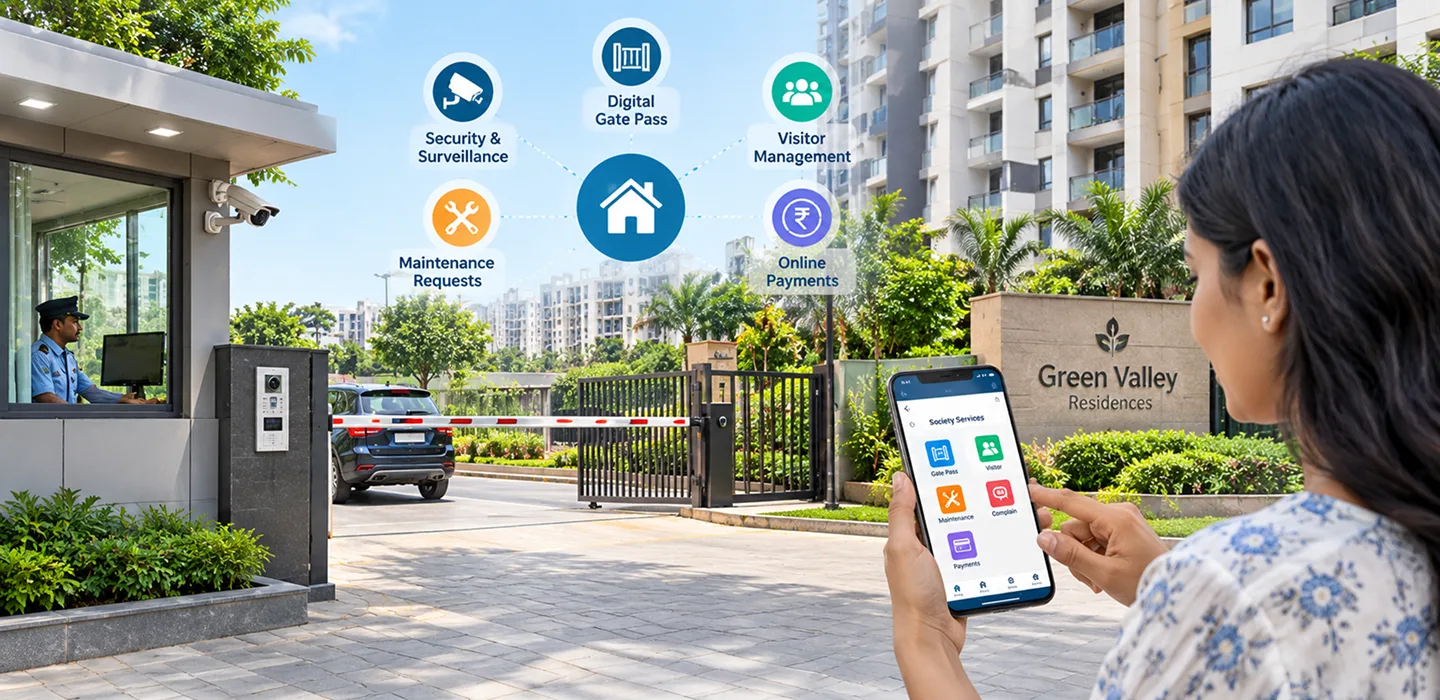
An illustrative example. Before automation, guards in a 200-flat society called each flat for every visitor. Now, a guard logs the visitor and the resident gets a phone alert to approve or deny. Residents can send QR passes to expected guests, who walk straight in. If a visitor stays too long, the host flat gets an alert automatically.
Common automation mistakes
- Not agreeing on rules before switching on automation.
- Too many reminders, so residents ignore them.
- No one responsible for escalated complaints.
- Not explaining the change to residents.
Manual or automated management?
| Task | Manual | Automated |
|---|---|---|
| Bills | Prepared by hand | Generated on schedule |
| Reminders | Phone calls | Sent automatically |
| Receipts | Written by hand | Sent after payment |
| Visitor approval | Intercom | Phone alert |
Step-by-step guide to starting
- Start with billing, the most time-consuming job.
- Agree on the billing day, reminder days and late-fee rules.
- Set them up and send the first automated bills.
- Add the gate next, then complaints.
- Review after a month and adjust.
Frequently asked questions
Is automation complicated?
No. You set the rules once, and the system follows them.
Can we still do things manually when needed?
Yes. A committee member can always send a notice, raise a bill or follow up by hand.
Is automation the same as AI?
No. Automation follows fixed rules. AI helps with language, such as drafting notices.
Ready for more? Read the comprehensive overview of society automation.
Key takeaways
- Automation is rules that run themselves.
- Start with billing, then the gate and complaints.
- Agree rules first and tell residents.
- Review and adjust after a month.