AI-Powered Notice Management in Housing Societies
By Sandip Gupta — 2026-08-13
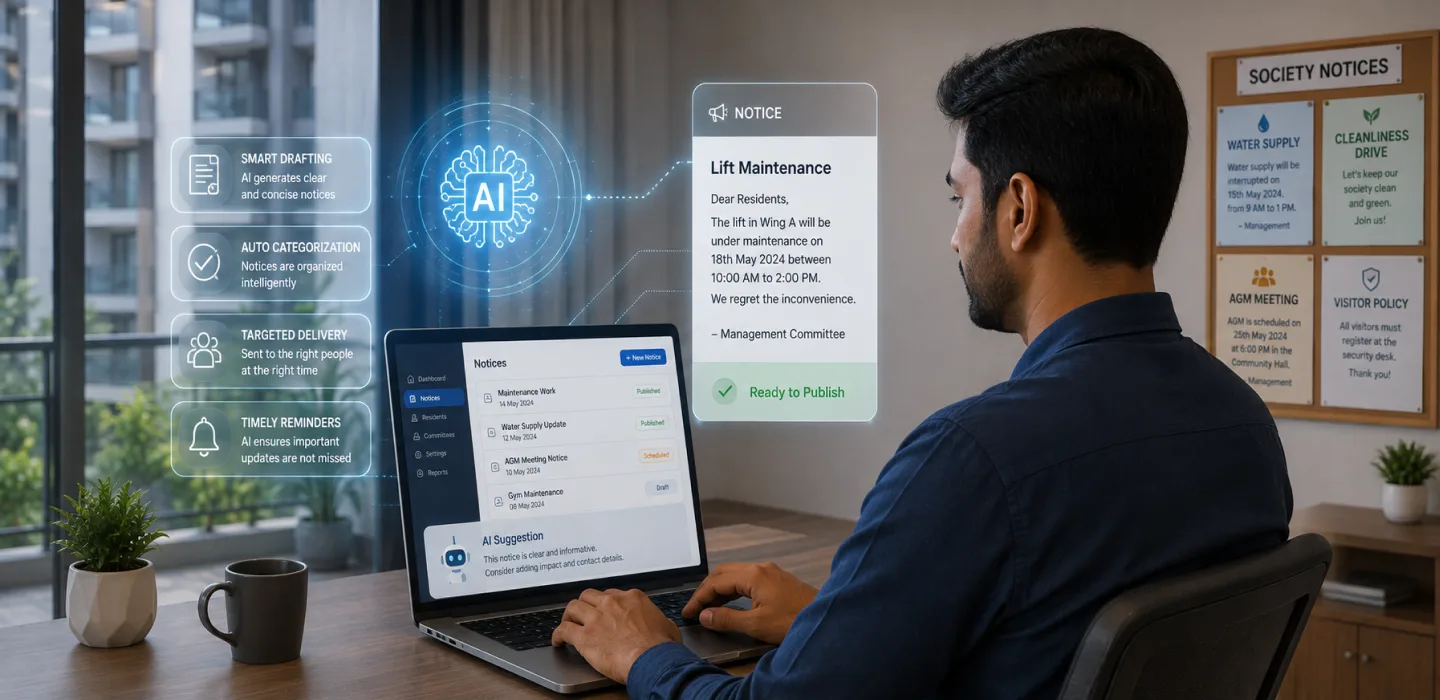
AI-powered notice management covers the whole life of a notice: drafting it, delivering it to every resident, confirming it was read and making it easy to find later.
In short: AI-powered notice management covers the whole life of a notice: drafting it, delivering it to every resident, confirming it was read and making it easy to find later. This article explains how each part works, the technology behind it in plain words, the mistakes of traditional notice boards and how to get started.
How does AI improve notice management?
- Drafting: type the key points and AI writes a clear notice for you to edit.
- Delivery: notices go to every resident's phone, can be scheduled and can be pinned.
- Confirmation: important notices can ask residents to acknowledge them.
- Finding later: residents ask a question and AI answers from published notices, showing the source.
What is the technology behind it?
Two pieces do the work. A language model turns short points into full sentences. A search system breaks published notices into small sections and finds the ones that answer a question. The answer is built only from those sections, and the notices it used are shown alongside it. That is why residents can check the answer for themselves.
The search respects who can see what. A resident only gets answers from notices that were addressed to them.
Example: one notice, start to finish
An illustrative example. The committee of a 180-flat society plans water tank cleaning. The secretary types four points. AI drafts the notice. She checks the date, schedules it for the evening before and asks for acknowledgement. Most residents acknowledge it in the app. A week later, a resident asks "when was the tank last cleaned?" and the app answers with a link to that notice.
What goes wrong with traditional notices?
- A paper notice on the lobby board is easy to miss.
- Chat-group notices are buried under other messages.
- Nobody knows who has actually read an important notice.
- Old notices are impossible to find when someone asks.
- Notices written in a hurry leave out the time or the contact.
Traditional or AI-enhanced notices?
| Area | Traditional | AI-enhanced |
|---|---|---|
| Writing | From scratch | Drafted from key points |
| Reach | Board and forwards | Every resident's phone |
| Proof of reading | None | Acknowledgements |
| Search | Scroll through chats | Ask a question, see the source |
| Timing | Whenever it is posted | Scheduled for the right hour |
How to start, step by step
- Make the app the one official channel for notices.
- Publish every notice there, including old important ones, so search has something to search.
- Show committee members how to give AI the key facts.
- Agree that someone reviews every draft before it goes out.
- Use scheduling and acknowledgements for important notices.
- Tell residents they can search notices instead of asking the office.
See myKutir's resident communication software for the full set of tools.
Frequently asked questions
Can AI answer questions about things not in a notice?
No. It answers only from published notices. If something was never published, the answer will say it cannot find it.
Can a notice go to only one wing?
Yes. Notices can be addressed to a chosen group, and search respects the same limits.
Is it reliable?
The answer always shows its source notices, so residents can check. Drafts are reviewed by a person before sending.
What is next for society communication?
Expect drafting and search in more Indian languages, and summaries that help committees spot which topics confuse residents most.
Key takeaways
- AI helps draft, deliver, confirm and find notices.
- Search answers come only from published notices, with sources shown.
- Make the app the single official channel.
- A person reviews every draft.